
Make a 2D game from a description
A 2D game maker builds games on a flat plane: you see the action from above or from the side, with sprites or simple shapes instead of a full 3D world. Modder makes these by drawing a flat game with a fixed top-down or side camera, so you get crisp shapes, smooth motion and physics without any setup.
Updated Tested by the Modder team
Flat games you can play now
Arenas seen from above and arcade games seen from the side. Simple to read, hard to put down.


By the numbers
- A new game on Quick build
- ~7 min
- A new game on Long build
- ~25 min
- Games it builds, played in the browser
- 2D and 3D
- Where the games play, no download
- Phone and desktop
- Players in one online room, bots in empty seats
- Up to 10
- Per game, up to 2 MB each
- 2,000 files
Build times are the builder's own estimates for a new game; the rest is from Modder's limits on .
Making a 2D game here
Pick the view
Say whether you look down on the action or watch it from the side. Top-down suits arenas, territory and snake games; side-on suits runners, rhythm games and anything with jumping. If you leave it out, the builder picks the one the idea needs.
Let it build and check
The builder writes the game, generates sprites and icons where shapes won't do, and adds sound effects. Then it plays the game in a browser with real input to check that the controls respond, the score counts and the game ends when it should.
Polish by asking
Flat games are all about readability and juice. Ask for a bigger trail, a screen shake on a crash, a combo counter, a brighter palette. Each change is saved as a version you can roll back to.
How 2D works on Modder, honestly
Modder has one engine for every game, built on three.js, and a 2D game is that engine with a flat camera. That's good news for physics, lighting effects and smooth scaling to any screen size, and it's why the .io games here hold dozens of bots at a steady frame rate.
It's less suited to classic pixel-art platformers built from hand-placed tiles. If you want a tile editor, frame-by-frame sprite animation and pixel-perfect collision, a dedicated 2D engine like GDevelop, Construct or Godot will serve you better, and our guide on how to make a video game covers them. If you want a fun flat game made for you in minutes, start here.
What it does well, and what it doesn't
Good at
- .io arenas with lots of bots, territory and snake games.
- Arcade games: dodgers, slicers, one-button and rhythm games.
- Board-like and puzzle games where the whole game fits on one screen.
Current limits
- Not a pixel-art tile editor: hand-placed tile levels and frame-by-frame animation aren't its strength.
- Long platformer campaigns come out short; a handful of levels is realistic.
- Made for keyboard and mouse first; touch is a fallback.
Questions
Can I make a pixel-art game?
You can ask for a pixel-art look and the builder will generate art in that style, but there's no tile editor. For a hand-built pixel platformer, a dedicated 2D engine is a better fit.
Is 2D cheaper than 3D?
Usually, yes. Flat games tend to need fewer models and less testing, so they spend fewer credits. You see the estimate before a build starts.
Can a 2D game be multiplayer?
Yes. Turf Grab and Blob Gobble style games work with bots, and you can pick Online with friends or One keyboard under the prompt box.
What's the difference from the 3D game maker?
Same maker, different camera. 2D games are seen flat from above or the side; 3D games have depth and a camera that moves through the world.
Making games on Modder
Play first, then make your own
Playing every game is free. Making games needs a plan or a one-off credit top-up.
Make other kinds of games
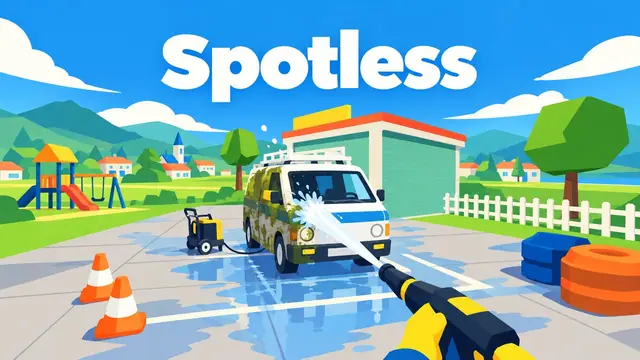
AI game maker
The main page: what Modder's maker is, how a build goes, what it can and can't do.

AI game generator
Prompt in, game out: what to write in the box and what you get back.
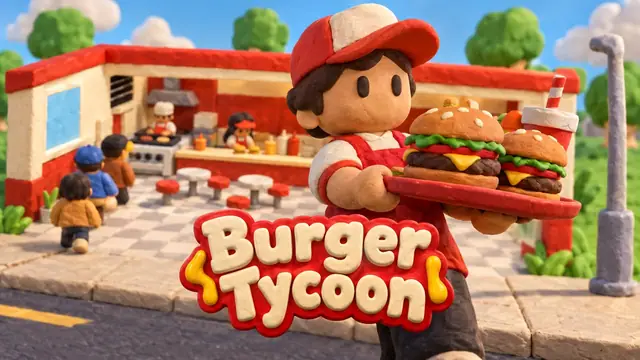
AI game creator
The Studio: chat on one side, the live game in the middle, every version kept.

3D game maker
Physics, lighting, cameras and models: real 3D, made by describing it.
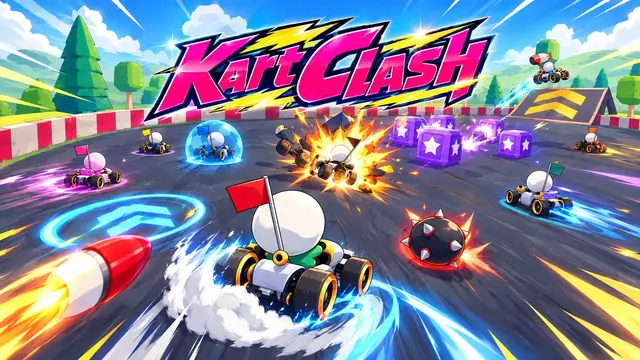
Online game maker
Nothing to install: make, play and share from a browser tab.
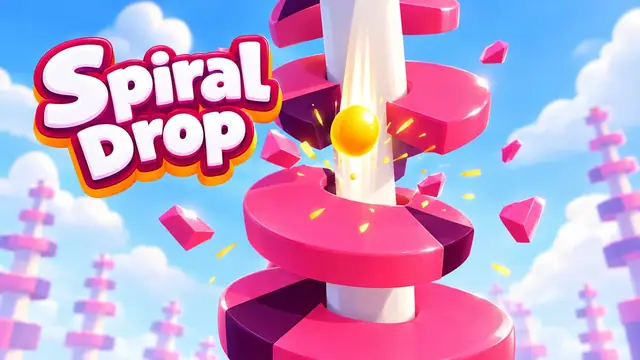
Free AI game maker
A straight answer: what's free on Modder, what costs, and where to look instead.
More on Modder
Guides
From the blog and the guides, newest first.
- Guide
How to make a game
Design first: shrink the idea, find the fun, test it, finish it.
- Guide
How to make a mobile game
Touch controls, short sessions, engines and the app stores.
- Guide
How to make a video game
The whole pipeline: engine, code, art, sound, testing and release.
- Guide
How to make a game website
Hosting browser games: building, embedding, search and licences.