
Make a platformer you'd actually play
A platformer is a game about getting from one place to another by running and jumping, over gaps, past hazards and up to a goal. Modder's AI platformer game maker builds the levels, the hazards and, most importantly, the jump, then plays every level to make sure it can be finished.
Updated Tested by the Modder team
Jumping games on Modder
Pulse Cube jumps to the beat; Road Hopper hops across traffic. Both live and die by the jump.


By the numbers
- A new game on Quick build
- ~7 min
- A new game on Long build
- ~25 min
- Games it builds, played in the browser
- 2D and 3D
- Where the games play, no download
- Phone and desktop
- Players in one online room, bots in empty seats
- Up to 10
- Per game, up to 2 MB each
- 2,000 files
Build times are the builder's own estimates for a new game; the rest is from Modder's limits on .
Building a platformer
Describe the jump and the danger
Platformers are their jump. Say how it should feel (snappy, floaty, heavy) and what extra moves the player gets: a double jump, a wall jump, a dash. Then say what's dangerous and where the player is going. One clear goal per level is plenty.
It builds levels it can finish
The builder writes the controls and lays out levels from short and easy to harder, with checkpoints between. Then it plays them with real key presses to check every jump can be made. An impossible gap is the most common platformer bug, and it's caught before you see it.
Tighten it up
Play a level and say what felt wrong: the jump too floaty, the checkpoint too far back, the third level too hard. Ask for coyote time (a jump that still works a moment after you leave a ledge), a speedrun timer, a new hazard. Each change is a saved version.
Side-on or 3D
Side-on platformers are easier to read and easier to get right, so they're the place to start. 3D platformers, where you run around obstacles in a full world, are possible too, and work best as short obstacle courses (think obby) rather than big open levels.
Either way, a handful of tight levels beats twenty loose ones. Ask for five levels that each add one new idea, like a moving platform, then a falling one, then both, and you'll get a game that teaches itself.
What it does well, and what it doesn't
Good at
- Snappy controls with extra moves: double jump, dash, wall jump.
- Short levels that each add one idea, with checkpoints.
- Rhythm and one-button platformers, and short 3D obstacle courses.
Current limits
- Not a tile editor: levels are written by the builder, not painted by hand.
- Long campaigns with dozens of levels come out repetitive; five to ten is realistic.
- Character animation is simple compared with a hand-animated platformer.
Questions
Can I make a 3D platformer or an obby?
Yes. Ask for a 3D obstacle course and say the camera follows behind the player. Short courses work better than big open levels.
Can I design the levels myself?
Describe them in words ("level three has moving platforms over spikes") and the builder lays them out. Level files are editable in the Studio if you want to move things by hand.
Why do my jumps feel floaty?
Say so. The builder can raise gravity, shorten the jump, add a faster fall and coyote time, all in one change.
Can I play it with a controller?
Yes. The engine reads gamepads as well as the keyboard.
Making games on Modder
Play first, then make your own
Playing every game is free. Making games needs a plan or a one-off credit top-up.
Make other kinds of games
AI game maker
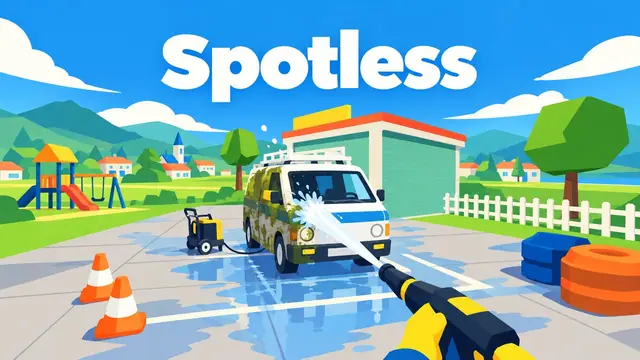
The main page: what Modder's maker is, how a build goes, what it can and can't do.

AI game generator
Prompt in, game out: what to write in the box and what you get back.
AI game creator
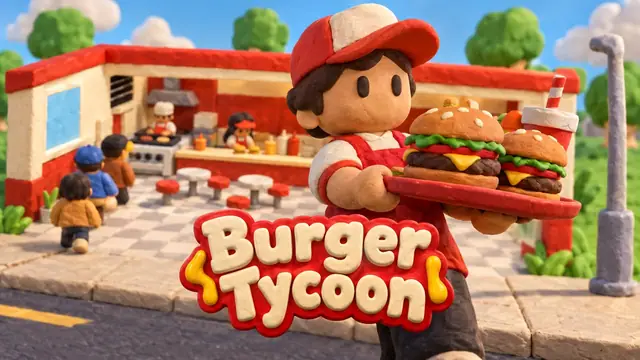
The Studio: chat on one side, the live game in the middle, every version kept.

3D game maker
Physics, lighting, cameras and models: real 3D, made by describing it.
2D game maker
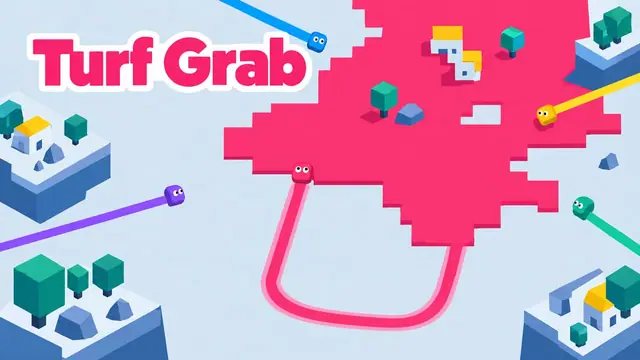
Flat, readable, quick to play: top-down, side-on and puzzle games.
Online game maker
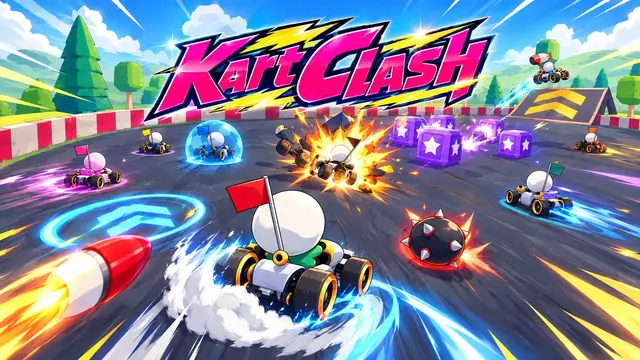
Nothing to install: make, play and share from a browser tab.
More on Modder
Guides
From the blog and the guides, newest first.
- Guide
How to make a game
Design first: shrink the idea, find the fun, test it, finish it.
- Guide
How to make a game website
Hosting browser games: building, embedding, search and licences.
- Guide
How to make a mobile game
Touch controls, short sessions, engines and the app stores.
- Guide
How to make a video game
The whole pipeline: engine, code, art, sound, testing and release.