
Make games online, right in this tab
An online game maker is one you use in a web browser instead of installing an engine. Modder's goes a step further: the game it makes also lives online, so a link is all anyone needs to play it, and you can invite friends into the same game from their own computers.
Updated Tested by the Modder team
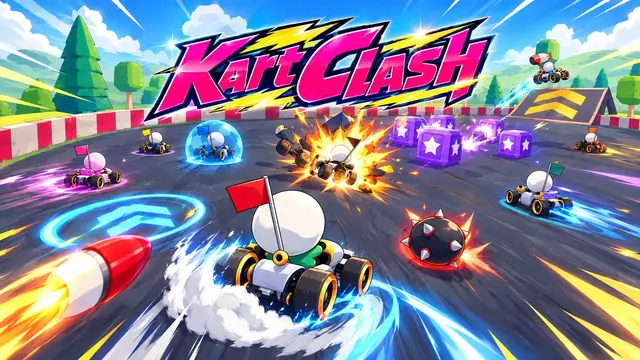
Games you can play online with friends
Open one, start a room and send the link. Bots fill the seats nobody's in.


On this page
By the numbers
- A new game on Quick build
- ~7 min
- A new game on Long build
- ~25 min
- Games it builds, played in the browser
- 2D and 3D
- Where the games play, no download
- Phone and desktop
- Players in one online room, bots in empty seats
- Up to 10
- Per game, up to 2 MB each
- 2,000 files
Build times are the builder's own estimates for a new game; the rest is from Modder's limits on .
From a tab to a game night
Open the maker and describe it
There's nothing to download and nothing to set up. Sign in, type your idea, and pick who plays: just you, friends online, or friends sharing your keyboard. For online games, say how many players fit in a match.
It builds on our servers, you watch in the browser
The heavy lifting happens on Modder's side: the builder writes the game, tests it in a browser of its own and fixes what fails. You follow along in the Studio and can play the latest version at any point.
Share a link
When it's finished, the game goes live on its own page on Modder by itself. Send that page to anyone and they can play in their browser, free, without an account. For online games they can start a room and invite friends with a link.
Why online matters for a game maker
Desktop engines are powerful, but the first hour goes to installing them, and sharing the result means exporting builds and uploading them somewhere. An online maker skips both. It also means you can make a game on a school laptop, a work computer you can't install things on, or a friend's machine.
The games run on the web too, which is the part that matters most when you want people to play. Everyone already has a browser; nobody wants to download a stranger's .exe.
How online multiplayer works here
Online games on Modder use rooms. One player starts a room and shares the invite link; up to 10 people join from their own browsers, and bots take the empty seats so a match never waits for a full lobby. There's no public matchmaking with strangers, which also keeps game night among friends.
What it does well, and what it doesn't
Good at
- Working anywhere you have a browser and a sign-in, including computers you can't install software on.
- Sharing: a published game is one link, free to play with no account.
- Rooms with friends for up to 10 players, with bots in empty seats.
Current limits
- You need to be online to make and play; there's no offline mode.
- No public matchmaking with strangers; rooms are by invite link.
- Games are hosted on Modder. Exporting the code is a Max plan feature.
Questions
Do I need to install anything?
No. The maker and the games run in your browser. Making needs a free account plus a plan or credit top-up; playing needs nothing at all.
Can my friends play the game I made?
Yes. Once it's live, send them its page. Online games let them join a room from their own computer with an invite link.
Does it work on a Chromebook?
Yes, if the Chromebook runs a recent Chrome. Big 3D games run better on more powerful machines.
How many players can join an online game?
Up to 10 in one room. Bots fill any empty seats.
Making games on Modder
Play first, then make your own
Playing every game is free. Making games needs a plan or a one-off credit top-up.
Make other kinds of games
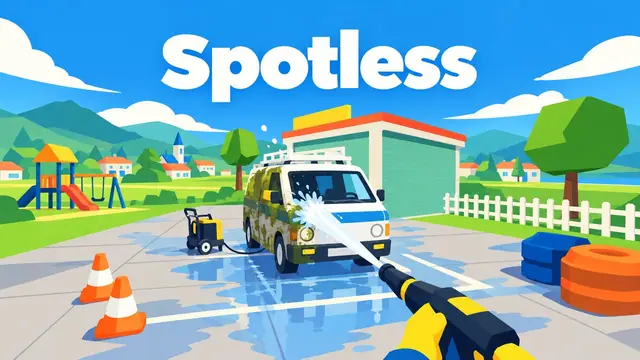
AI game maker
The main page: what Modder's maker is, how a build goes, what it can and can't do.

AI game generator
Prompt in, game out: what to write in the box and what you get back.
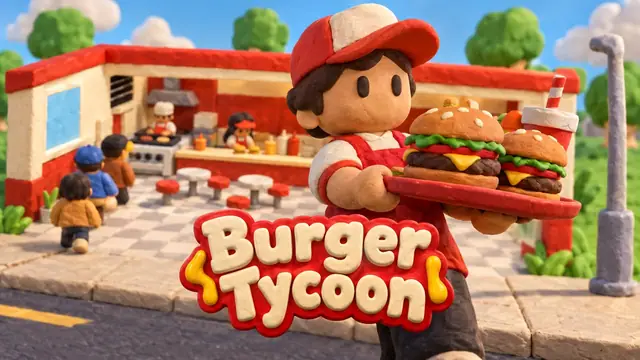
AI game creator
The Studio: chat on one side, the live game in the middle, every version kept.

3D game maker
Physics, lighting, cameras and models: real 3D, made by describing it.
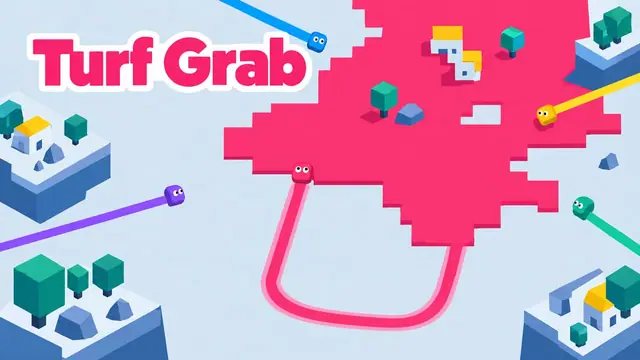
2D game maker
Flat, readable, quick to play: top-down, side-on and puzzle games.
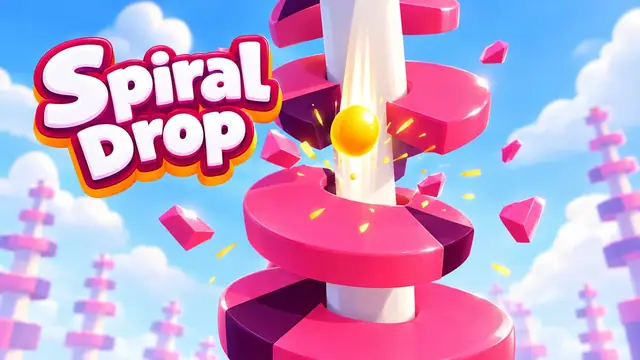
Free AI game maker
A straight answer: what's free on Modder, what costs, and where to look instead.
More on Modder
Guides
From the blog and the guides, newest first.
 Guide
GuideHow to make a game website
Hosting browser games: building, embedding, search and licences.
- Guide
How to make a mobile game
Touch controls, short sessions, engines and the app stores.
- Guide
How to make a game
Design first: shrink the idea, find the fun, test it, finish it.
- Guide
How to make a video game
The whole pipeline: engine, code, art, sound, testing and release.