
How to make a game website
Hosting browser games: building, embedding, search and licences.



On this page
Short answer
To make a game website, first decide whether it's a site for one game or a portal of many. Make or license HTML5 games (only ones you have the rights to), host the files on a static host like GitHub Pages, Netlify or Cloudflare Pages, embed each game in its own page with an iframe, and give every game a title, a description, how-to-play notes and a screenshot so search engines and players understand it. Or publish your games on an existing portal and link to them from a simple site.
Step by step
Decide what kind of site it is
A site for one game needs a landing page, the game, a trailer and links. A portal needs many games, categories, search and a page per game. A portal is far more work to keep fresh, so start with your own games unless you have a source of many.
Get games you have the rights to
Make them yourself (Phaser, PixiJS, three.js, Godot's web export, GDevelop or an AI game maker), commission them, or license them from developers. Copying games from other portals without permission is a fast way to get your site removed and your domain flagged.
Host the files
Browser games are just files: HTML, JavaScript, images and sound. Static hosts like GitHub Pages, Netlify and Cloudflare Pages serve them fast and often free. Turn on compression, and serve the game from its own subdomain if you can, so it can't reach your main site's cookies.
Give each game its own page
Embed the game with an iframe and add, around it, the title, a short description, controls, a screenshot and related games. That text is what search engines read; a page with only an iframe looks empty to them.
Make it fast and work on phones
Load the game only when the player presses Play, show a cover image until then, and check every page on a phone. Lots of game traffic is mobile, and slow pages lose players before the game loads.
Help people find it
Add a sitemap, a clear title per page, and categories that match what people search (car games, snake games, idle games). Share games where players already are: Discord, Reddit, itch.io and short gameplay clips.
A site for your game, or a portal
If you've made one game, its website is mostly a pitch: a clip at the top, a Play button, a few screenshots, what it is in one sentence, and where to follow you. Keep it on one page. You can host the game itself on itch.io or a portal and link or embed it, which saves you from handling traffic spikes.
A portal is a different business. Players come back for new games, so you need a steady supply, and search engines reward portals whose game pages have real text, not just an embed. The big portals (CrazyGames, Poki) have developer programmes that publish games and share revenue, which is often a better deal for a developer than running a portal alone.
Embedding games safely
An embedded game is code running on your page, so treat it with care. Use the iframe's sandbox attribute to give it only what it needs (usually scripts and pointer lock), serve it from a separate origin, and set your main site's headers so other sites can't frame it. If you take ads, keep them out of the game frame itself so they don't cover controls.
Search and the thin-page trap
Game portals tend to make thousands of near-identical pages: a title, an iframe, "play free online". Search engines treat those as thin content and often skip them. What helps is the opposite: a few honest paragraphs per game about how it plays, controls, tips, and links to similar games and categories with a real introduction. Categories are often where a portal's search traffic comes from, so give them a short explainer and a few questions people ask.
What every game page needs
A cover image before the game loads. Nobody wants a black rectangle, and a good cover is also what shows when the page is shared. Use a 16:9 image with the game's name on it and a moment of play behind.
A clear Play button and a full-screen option. Browsers block games from going full screen or playing sound until the player clicks, so the first click should be on your own button. Full screen matters for anything with a mouse or fast movement.
How to play, in a few lines. Keys, goal, and one tip. It helps players who'd otherwise leave confused, and it's useful text for search engines.
Related games underneath. Someone who finished one racing game wants another. Linking similar games and the category keeps players on your site and helps search engines understand how your pages fit together.
Controls that survive the iframe. Arrow keys and the space bar scroll the page around an embedded game unless the game captures them, so check that playing never scrolls the page. Pointer lock (for mouse-look games) needs to be allowed on the iframe, and so does full screen.
A way back. When a run ends, offer the restart and a few next games right there. A player who finishes a game and sees nothing else to do closes the tab; one who sees three good covers clicks one. That's how game sites turn one visit into ten.
The fast path with Modder
Modder is itself a game website: every game here has its own page with the game, how to play, and related games, and categories have their own introductions. If you make a game with Modder's maker, it gets one of those pages when it's finished, free for anyone to play, with nothing for you to host.
The maker builds browser games from a description in five to twenty-five minutes, so you can fill a site with your own games instead of borrowing other people's. Making games needs a plan or a credit top-up; the Max plan lets you download a game's code if you want to host it yourself.
Questions
Can I put other people's games on my website?
Only with permission. Many developers license their HTML5 games to portals; some portals offer embeds with their own terms. Copying games without a licence breaks copyright.
How much does a game website cost?
A small one can be free: static hosting on GitHub Pages, Netlify or Cloudflare Pages costs nothing at low traffic. A domain is a few dollars to a few tens of dollars a year.
What's the best engine for web games?
Phaser is the most popular for 2D browser games, PixiJS for fast 2D rendering, and three.js for 3D. Godot, GDevelop and Unity can also export to the web.
How do game websites make money?
Mostly ads around the games and revenue shares with developers. Some sell premium accounts or ad-free play.
Can I make games for my website with AI?
Yes. AI game makers like Modder build browser games from a description, and the Max plan includes downloading the code to host yourself.
More guides
More on Modder
Honest comparisons
Other AI game tools beside Modder, including where they're better.
The fast way
Online game maker
Nothing to install: make, play and share from a browser tab.
Make it with Modder
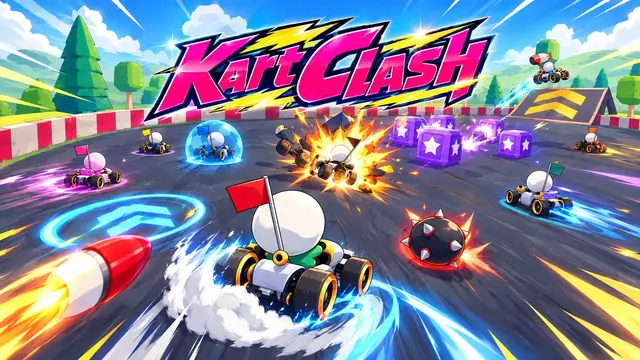
Online game maker
Nothing to install: make, play and share from a browser tab.
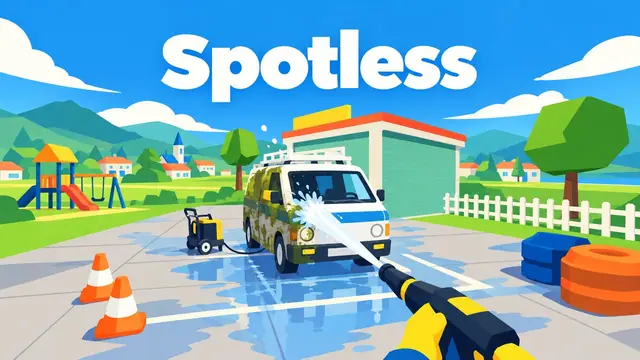
AI game maker
The main page: what Modder's maker is, how a build goes, what it can and can't do.

AI .io multiplayer game maker
Snake, cells and territory arenas with bots and rooms for friends.
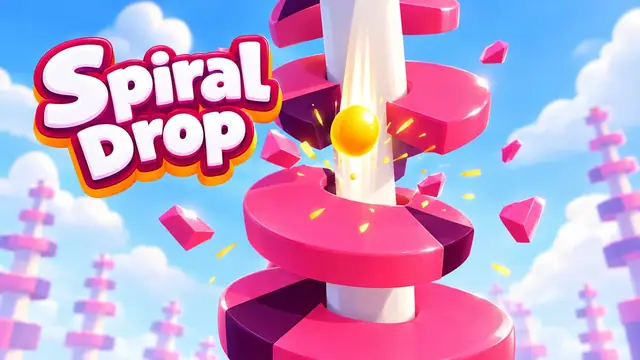
Free AI game maker
A straight answer: what's free on Modder, what costs, and where to look instead.